Introduction
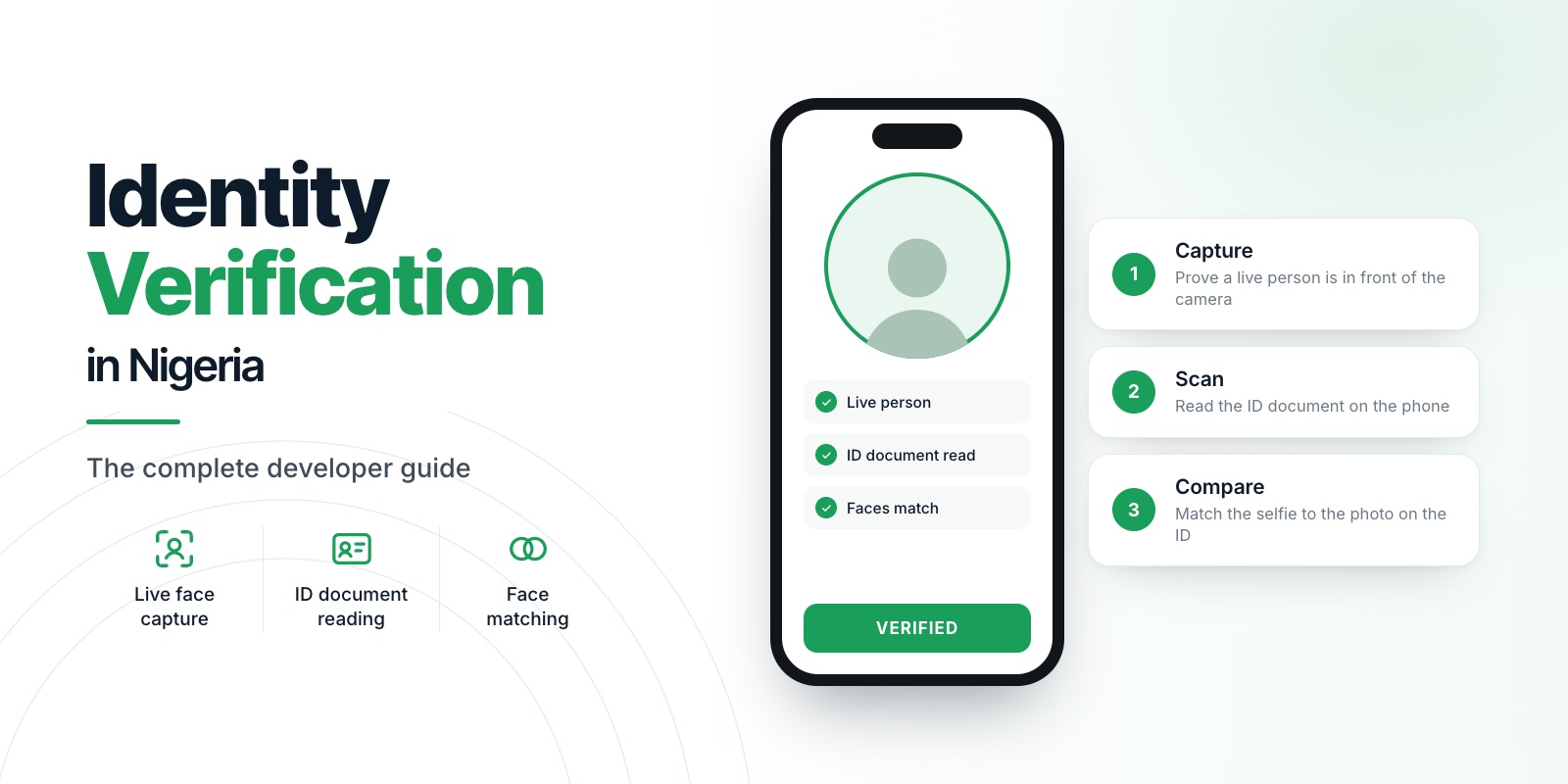
New to identity verification in Nigeria? Start with our complete developer guide.
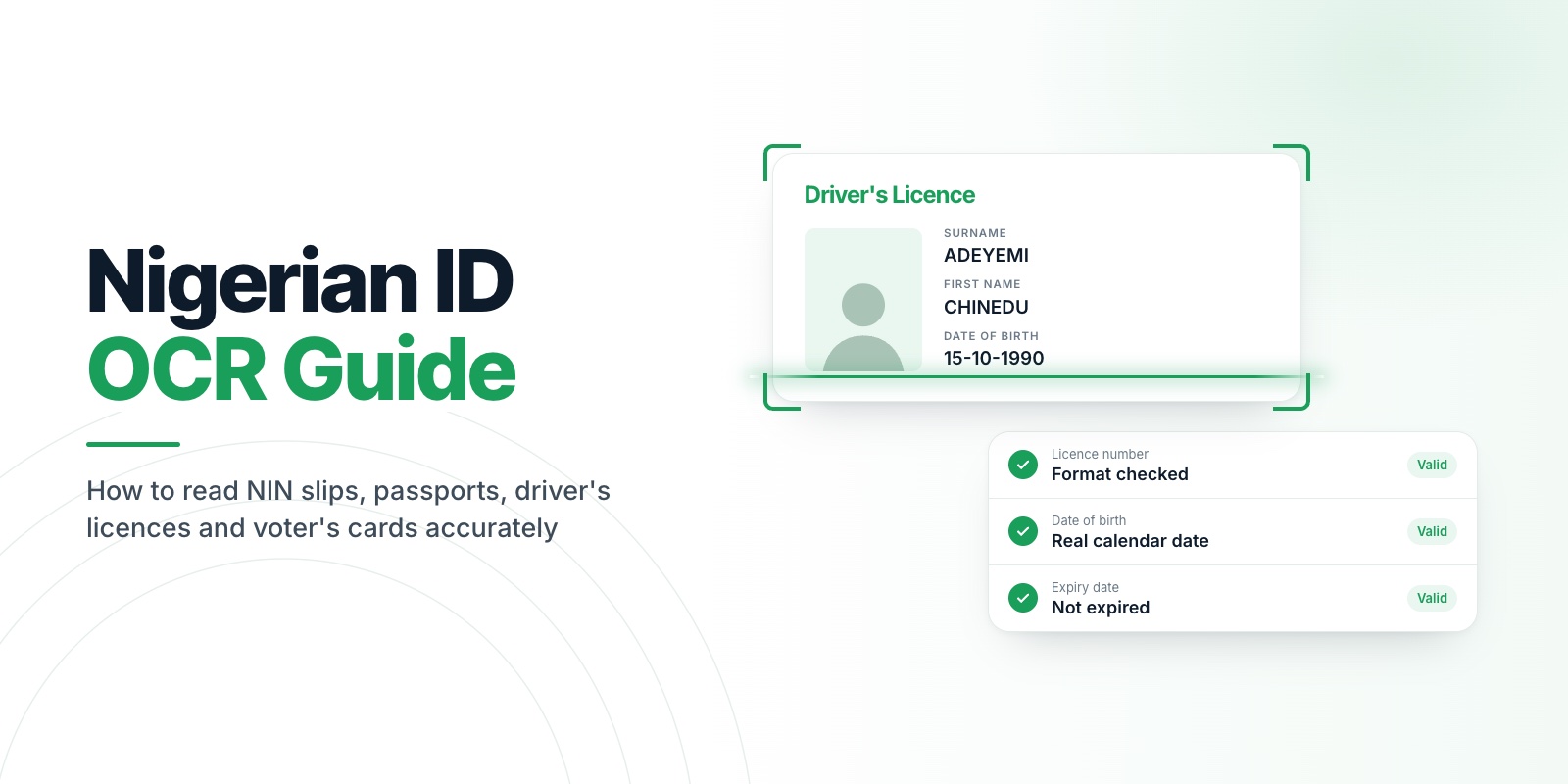
Stop making your users type their NIN. Read Nigerian IDs on the phone, get named and checked fields back, and stop writing a parser for every document. This guide shows how to read NIN slips, passports, driver's licences and voter's cards accurately, and why generic OCR gets them wrong.
See your own documents read. Create a free account and try Scan in the sandbox with a real ID. No card needed. Start free
For the wider flow that OCR sits inside, see the complete developer guide.
01Why generic OCR struggles with Nigerian IDs
- Glare and laminate. Many cards are laminated. A phone flash or a window reflection leaves a bright patch that hides characters.
- Security patterns behind text. Guilloche lines and watermarks cross the text areas and confuse character recognition.
- Small, dense print. Driver's licences and voter's cards carry small fonts, often printed in low contrast.
- Different layouts for each document. The NIN slip, the national ID card, the driver's licence, the international passport and the voter's card put the same facts in different places and use different labels.
- Wear. Documents live in wallets. Corners are bent, the print is faded, and the photo is scratched.
- Plain text out, structured data needed. A wall of recognised text still needs a parser per document, and that parser breaks whenever a layout changes.
The fix is not a better character reader alone. It is a pipeline: capture a good image, identify the document, read it, then check every field.
02What each document contains
Here are the fields most onboarding flows want from the five identity documents.
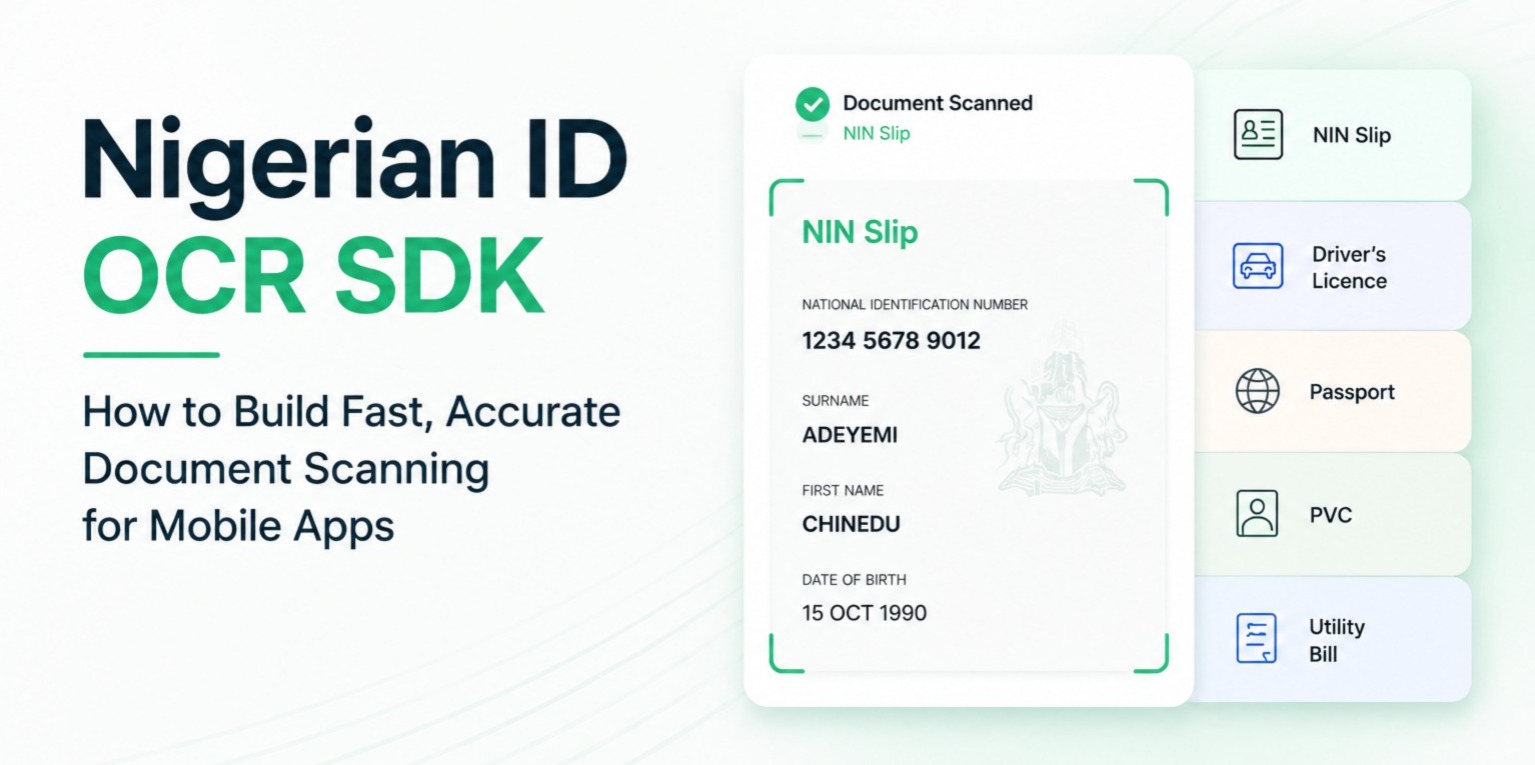
- NIN slip: NIN, full name, date of birth, gender, address, state and local government of origin.
- National ID card: NIN, full name, date of birth, gender, issue and expiry dates.
- Driver's licence: licence number, full name, date of birth, expiry, state, class and blood group.
- International passport: passport number, full name, date of birth, expiry, nationality and the two machine-readable lines at the bottom.
- Voter's card: voter identification number, full name, date of birth, gender, state, local government, ward and polling unit.
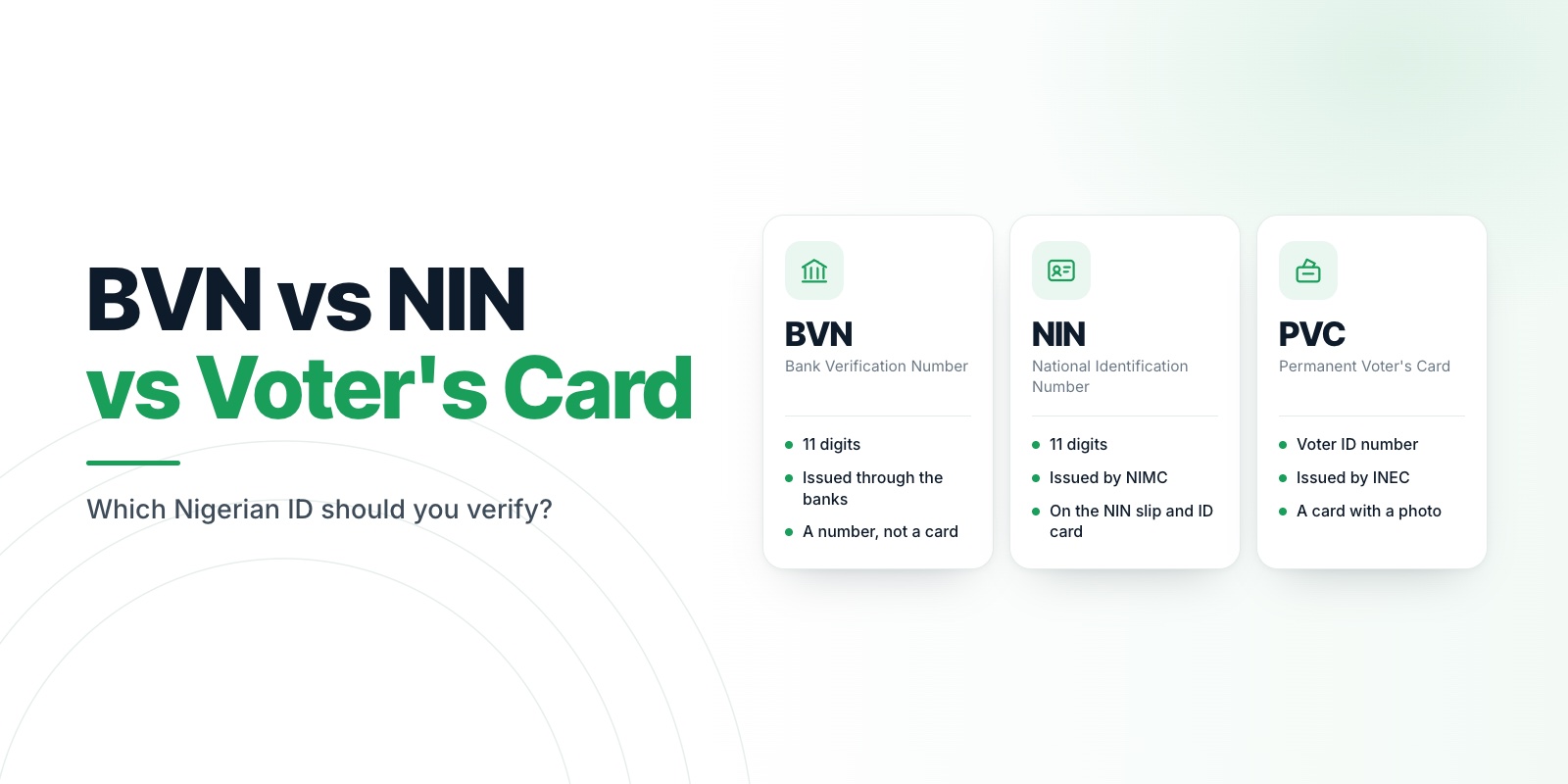
Utility bills and bank statements are a separate family used as proof of address. See Nigerian ID Verification: NIN, Driver's Licence, Passport, PVC and Utility Bills for how they differ.
03Capture rules that decide accuracy
Accuracy is decided before the OCR runs. A sharp, well-lit, well-framed image is worth more than any model improvement.
- Guide the user. Show a frame, and capture automatically only when the document is inside it, sharp and bright enough.
- Say what is wrong. "Too much glare, try a different angle" gets a better second attempt than "Try again".
- Light the card, not the glare. Turn on the torch automatically in low light, but warn when it creates a hot spot.
- Capture, do not upload photos of photos. A screenshot of an ID or a photo of a screen carries moire patterns and loses detail. Prefer a live capture.
04Validate every field
A field that looks wrong should come back empty, not wrong. A wrong value that passes through quietly is worse than a missing one, because it becomes a failed verification later or a bad record forever.
Useful checks, whatever tool you use:
- A NIN is 11 digits. Anything else is a misread.
- Dates must be real dates. Normalise them to one format (YYYY-MM-DD) so the rest of your system never parses
02 NOV 1979and02/11/1979differently. - States must be Nigerian states, and a local government should belong to the state that was read.
- Gender must be one of the values the document uses.
- On passports, use the machine-readable lines. They carry check digits, so you can verify that the passport number, date of birth and expiry were read correctly rather than guessing.
- Return a confidence value per field, so your app can ask the user to confirm only the uncertain ones.
05Use the face photo too
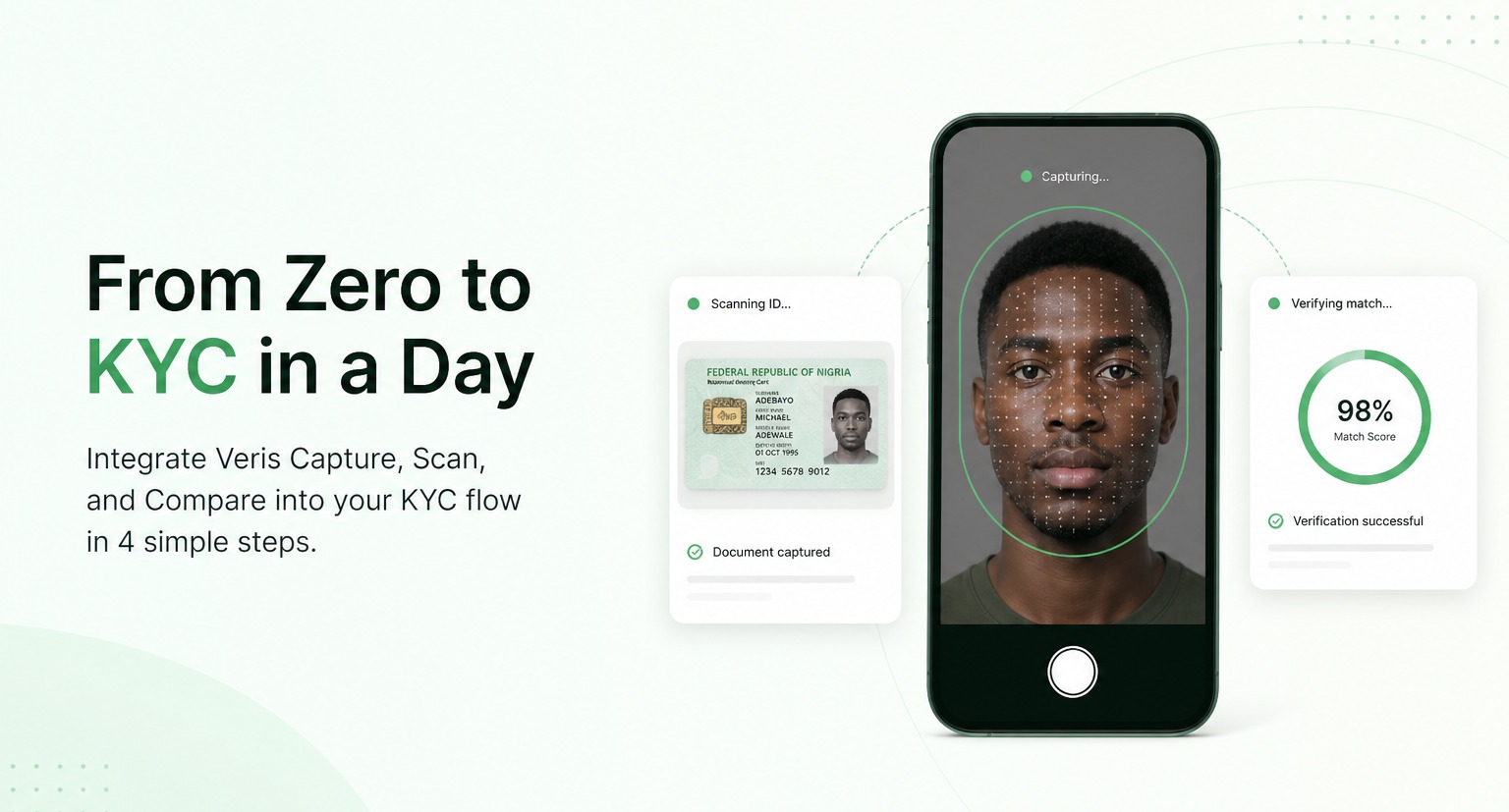
Three of the identity documents print a photo of the holder. Extracting that photo and passing it to a face matching API lets you check the person holding the phone against the document. The quality of that extracted face has a large effect on the match, so treat the document capture as the first step of the match, not a separate task.
06Where to run OCR: device or server
Running OCR on the phone means the image is never uploaded, which helps with data protection and with users on slow or expensive connections. Running it on a server means you can update the model without an app release, but you now handle and must protect every document image. Veris Scan reads on the device, so nothing is uploaded while it scans, and returns the same field names for every document type. Learn more on the Scan page.
07What OCR cannot tell you
Reading a document is not verifying it. OCR does not tell you the card is genuine, and it does not check the number against the national database. If your use case needs either, add a separate step. Be explicit about this with your compliance team so no one assumes a stronger guarantee than the flow provides.
08What waiting costs you
Every ID field a user types by hand is a place to lose them or collect a wrong value. A mistyped NIN does not fail at signup. It fails later, when a check does not match, and by then the user has gone.
Plain text recognition is not the answer either. It hands you a wall of text, and your team writes and maintains a parser for each document layout. Every time a layout changes, the parser breaks, and the bad data reaches your records first.
09What Scan does instead
- Guides the capture. The camera waits until the document is sharp, bright enough and inside the frame, and tells the user exactly what to fix.
- Works out the document. Pass
AUTO_DETECTand Scan decides which of the nine document types it sees, or says it cannot tell instead of guessing. - Checks every field. A field that does not look like what it should comes back empty rather than wrong. Dates arrive as YYYY-MM-DD, and passport check digits are verified.
- Returns the face photo from the ID, ready to send to a face match.
- Runs on the phone. Nothing is uploaded while it scans.
- One shape for every document, so a new document type never changes your code.
10The doubts you probably have
"Will it read our documents?" It reads five identity documents (NIN slip, national ID card, driver's licence, international passport and voter's card) and four proof-of-address documents (electricity, water and waste bills and bank statements).
"What about faded cards and glare?" The guided capture is there to prevent exactly that, and the field checks catch what slips through. Test your worst cards in the sandbox and see for yourself.
"Does it tell us the ID is real?" No. Scan reads what is printed and does not judge authenticity or check any database. We say that plainly so you can plan the rest of your checks with eyes open.
"Will our users find it easy?" That is the point of the guided capture. They point, hold steady and it captures.
11Your next step
Take the five documents your users carry most. Scan each of them in the sandbox and look at the fields that come back. In one sitting you will know whether this replaces the typing and the parser.
Create your free Veris account · Free to start · no card · all three products. Details are on the Scan page.
12FAQ
Which Nigerian documents can be read with OCR?
The NIN slip, national ID card, driver's licence, international passport and voter's card are the common identity documents. Electricity, water and waste bills and bank statements are common proof-of-address documents.
Why does OCR misread my NIN?
Usually because of glare, blur or a low-resolution image. Validate the result (an NIN is 11 digits) and ask for a recapture when a field fails the check, rather than accepting a guess.
Can OCR detect a fake ID?
No. OCR reads the text on a document. It does not authenticate the card or check any database. Treat it as data extraction, and add other checks if you need authenticity.
Is it better to scan on the phone or upload a photo?
A live guided capture gives sharper, better-framed images than a gallery upload, so accuracy is usually better. Allow uploads as a fallback for users whose camera is poor.